Video Conference Light Bar – Laptop Only
$34.99
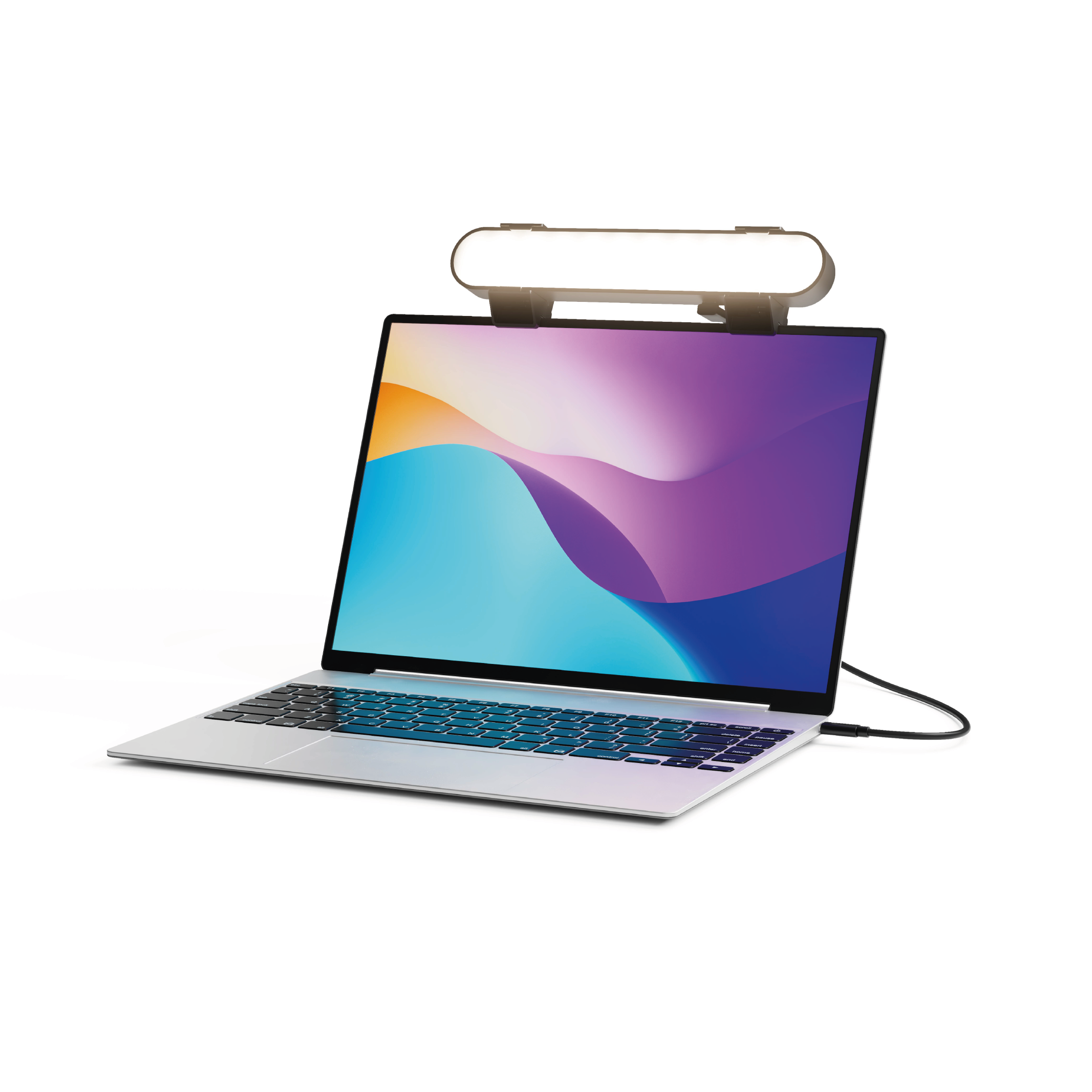
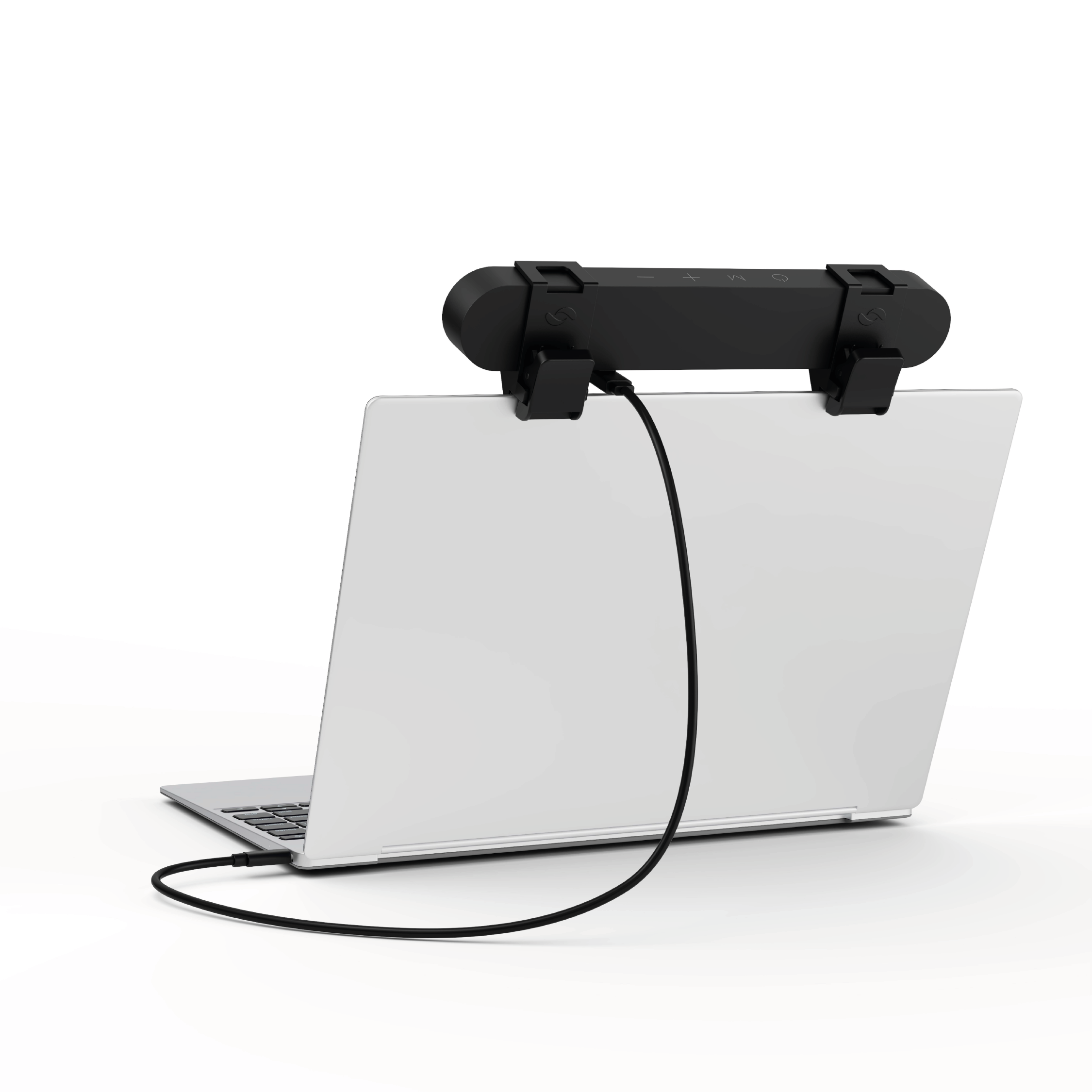
- Easy setup and removal: The monitor or laptop light sits on top of your laptop screen. It is meant for stationary use and does not use unreliable suction cups or damaging adhesive just for a computer video light. Can be used as a dedicated webcam light or an upgrade to built-in laptop lighting, for anyone who wants to stand out in virtual meetings and make a strong first impression.
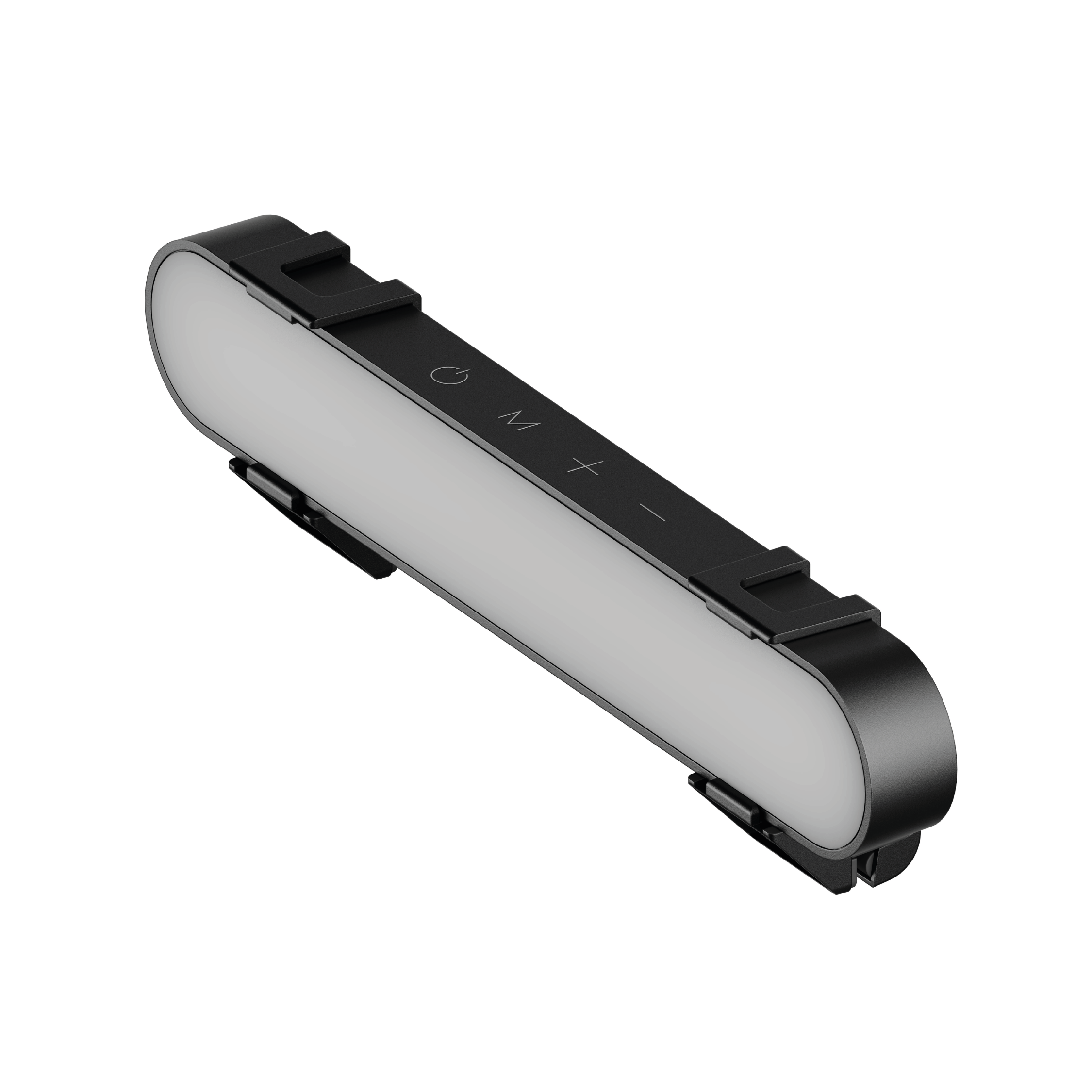
- Preinstalled diffuser provides a soft light panel for a more natural glow and appearance. Look your best on a video call with a proper video conference lighting kit. Adjustable brightness and temperature. Ideal for home offices, remote work setups, dorm rooms, and professional office environments.
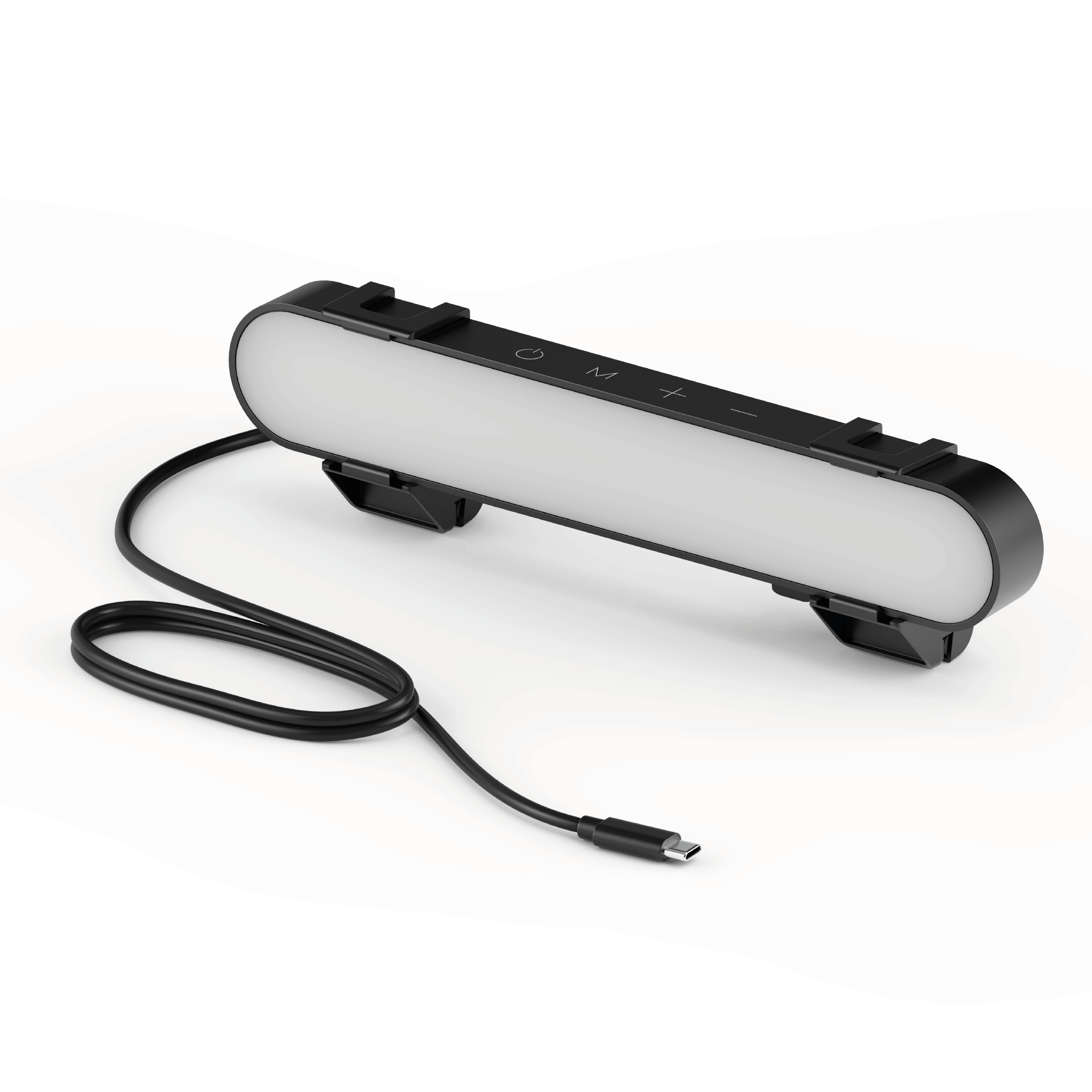
- Important notes: The light does not contain a battery. Power adapter not included. Must be plugged into a USB-C or USB-A port to function. USB-C to USB-A adapter included. You may need a USB wall adapter (not included) for full brightness if your USB-A port’s power delivery is low.
Product details
Compatible with laptops only. Present your best with a HumanCentric video conference light, single light kit. Improve your computer light for video conferencing, Zoom calls, streaming video, and online class. Single light kit is one video light with one power cable. Make sure you don't have a light or a window behind you, as your face won't look bright enough. This is because the camera is compensating for the bright light behind you by making the whole image dark.
Webcam lighting for video conferencing provides a more professional appearance and streaming presence: Get the ideal video call light to match your skin tone and environment. Add a Zoom light to improve engagement over video meetings. By illuminating your face evenly, it's perfect for anyone who wants to look polished and confident on camera, such as remote professionals, educators, or streamers, to enhance on-camera presence and video quality, who also value high-quality video communication.
Easy setup and removal: The monitor or laptop light sits on top of your laptop screen. It is meant for stationary use and does not use unreliable suction cups or damaging adhesive just for a computer video light. Can be used as a dedicated webcam light or an upgrade to built-in laptop lighting, for anyone who wants to stand out in virtual meetings and make a strong first impression.
Preinstalled diffuser provides a soft light panel for a more natural glow and appearance. Look your best on a video call with a proper video conference lighting kit. Adjustable brightness and temperature. Ideal for home offices, remote work setups, dorm rooms, and professional office environments.
Important notes: The light does not contain a battery. Power adapter not included. Must be plugged into a USB-C or USB-A port to function. USB-C to USB-A adapter included. You may need a USB wall adapter (not included) for full brightness if your USB-A port’s power delivery is low.
Product specifications
| Easy setup and removal | The monitor or laptop light sits on top of your laptop screen. It is meant for stationary use and does not use unreliable suction cups or damaging adhesive just for a computer video light. Can be used as a dedicated webcam light or an upgrade to built-in laptop lighting, for anyone who wants to stand out in virtual meetings and make a strong first impression. |
|---|---|
| Important notes | The light does not contain a battery. Power adapter not included. Must be plugged into a USB-C or USB-A port to function. USB-C to USB-A adapter included. You may need a USB wall adapter (not included) for full brightness if your USB-A port’s power delivery is low. |
| Brand | HumanCentric |
Choosing, using and caring for your product
Measure your desk and check device size, mounting pattern and listed weight limits. Compare adjustments and installation methods rather than assuming universal compatibility.
Read the instructions supplied with your item before first use. Check the components and fitting requirements, and follow the care guidance for the listed materials. Keep the product instructions for future reference.
If a specification is not listed or you need help with a particular application, contact our team before ordering.
Ask us a question ↗Delivery & FAQs
Where do you deliver?
We deliver within the United States. Standard U.S. shipping is free, with no minimum order amount.
When should I expect my order?
Order processing takes 1–3 business days. Estimated total delivery is 5–8 business days from order placement, including processing and carrier transit. See our Shipping Policy for delivery details and how to contact us about an order.
Can I return an item?
You can request a return within 30 days after delivery. Contact us before returning an item so we can provide the correct instructions. Approved refunds are expected to reach the original payment account within 2–4 business days after approval and issuance. See the Return & Refund Policy for the full conditions.
How do I choose the right option?
Check the product photographs, dimensions, materials and available options. Choose your color, size or specification before adding the item to your cart. If you are unsure, ask our team before ordering.
How can I contact you?
Use the email address or telephone listed in our footer and on the Contact Us page. Include the product name or order number when you need help.
Related products
-
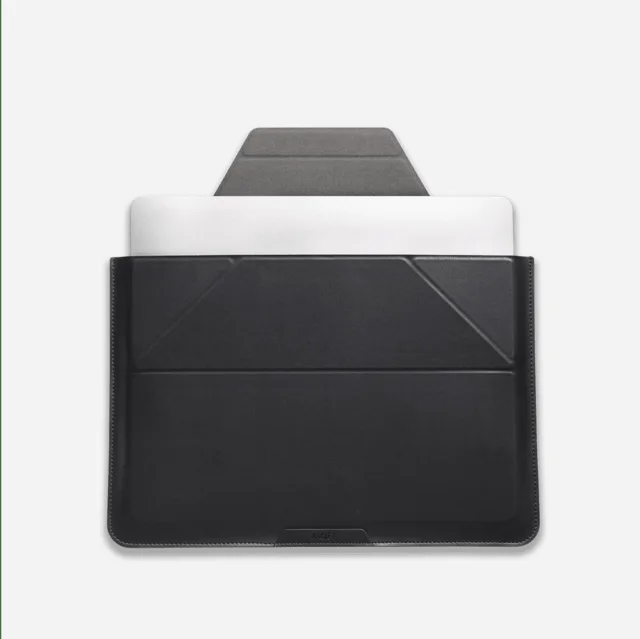
Laptop Carry Sleeve
$64.95 Select options This product has multiple variants. The options may be chosen on the product page -
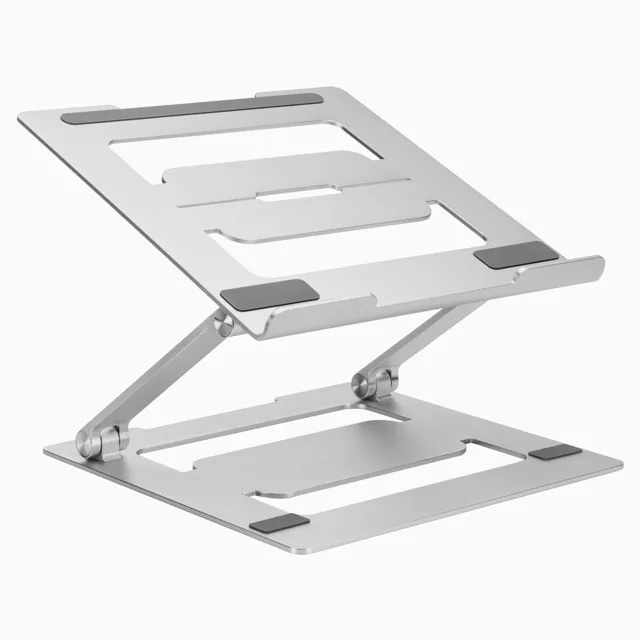
Desky Adjustable Laptop Stand Riser
$53.91 Select options This product has multiple variants. The options may be chosen on the product page -
ORICO LED 10 in 1 Docking Station
$39.99 Select options This product has multiple variants. The options may be chosen on the product page -
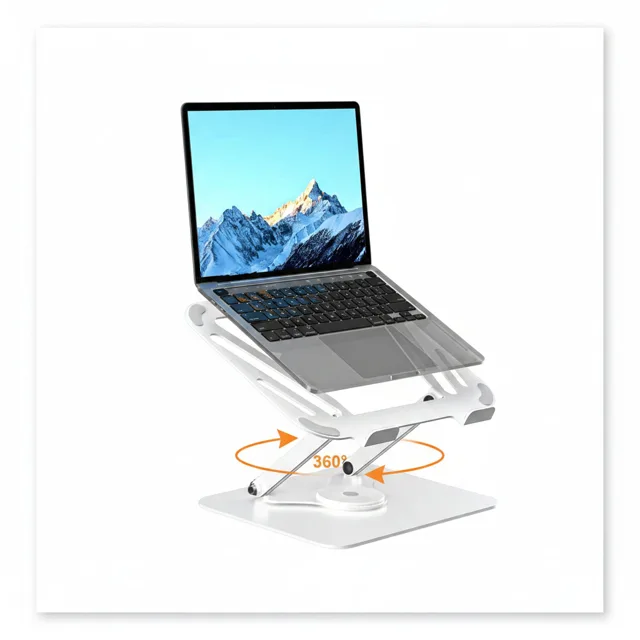
suptek Laptop Stand for Desk, Adjustable Computer Notebook Stand with 360° Rotating Base, Ergonomic Laptop Riser for Collaborative Work, Foldable & Portable Laptop Stand,fits for 11-17″ Laptops,White
$40.36 Select options This product has multiple variants. The options may be chosen on the product page