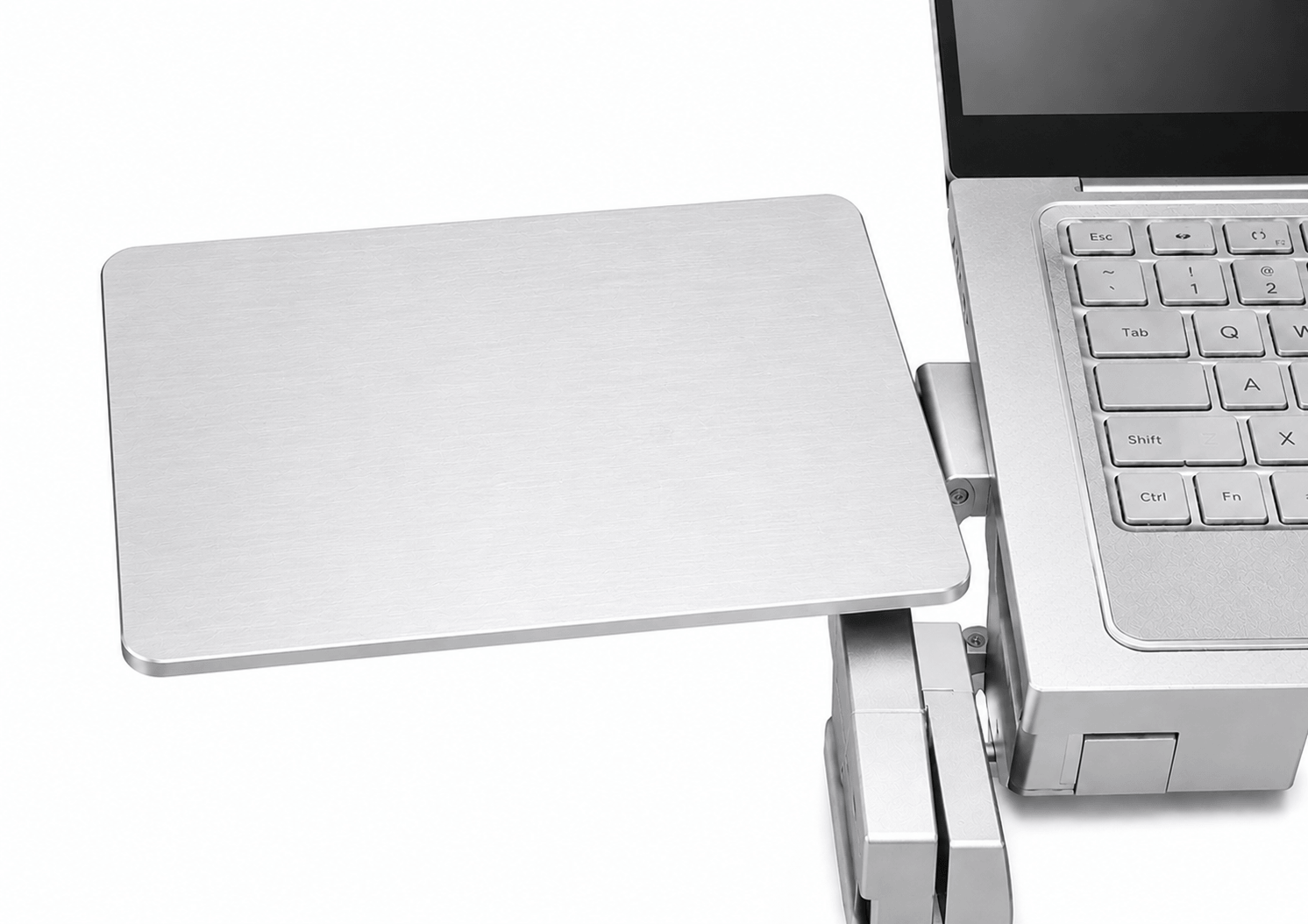
WorkEZ Mouse Pad
$30.00
- Screw-clamp attachment.
- Installs on the right or left.
- Adjustable and easily removable.
- Foam wrist rest included.
- Can also hold compatible small accessories or drives.
Product details
WorkEZ Mouse Pad Replacement + Accessory
Give the mouse its own stable surface - but choose the correct WorkEZ version first
WorkEZ Mouse Pads add dedicated mouse space to compatible WorkEZ stands and keyboard setups. There are two different versions, and they attach differently: the Universal WorkEZ Mouse Pad clamps to the leg of a WorkEZ stand, while the WorkEZ Keyboard Tray Mouse Pad connects directly to the WorkEZ Keyboard Tray panel.
Both versions can be used on the right or left, remove easily when you do not need them, and create a separate surface for the mouse or small accessories.
Small accessory, much better workspace
Stop balancing the mouse wherever there happens to be room
Dedicated surface
More usable workspace
Give the mouse its own platform instead of crowding the main stand.
2 versions
Model-specific fit
Choose the attachment style that matches the WorkEZ setup you own.
Left or right
Ambidextrous placement
Install the platform on either side of the workstation.
Removable
Use it only when needed
Attach, reposition, or remove the platform as the setup changes.
2 jobs
Mouse pad or mini shelf
Use the surface for a mouse or compatible small accessories.
Choose the correct version
These two mouse pads are not interchangeable
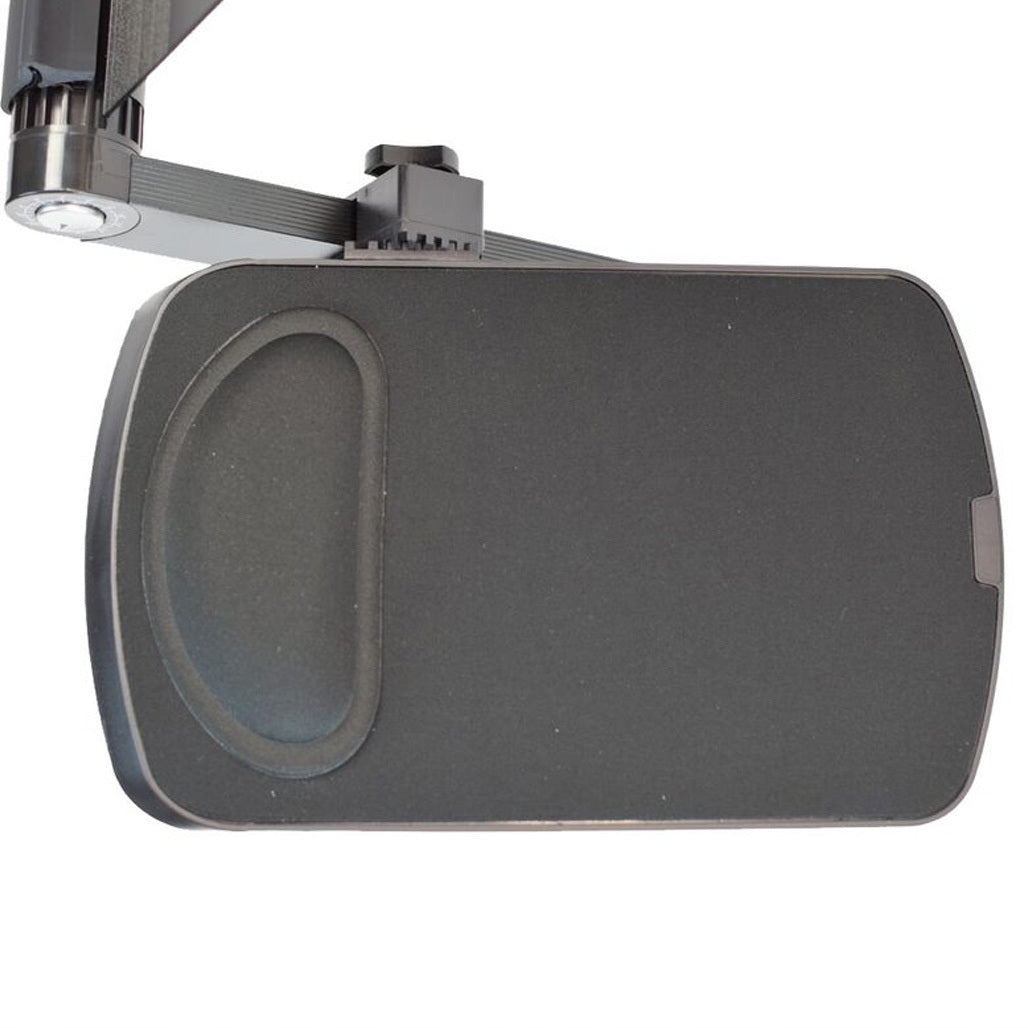
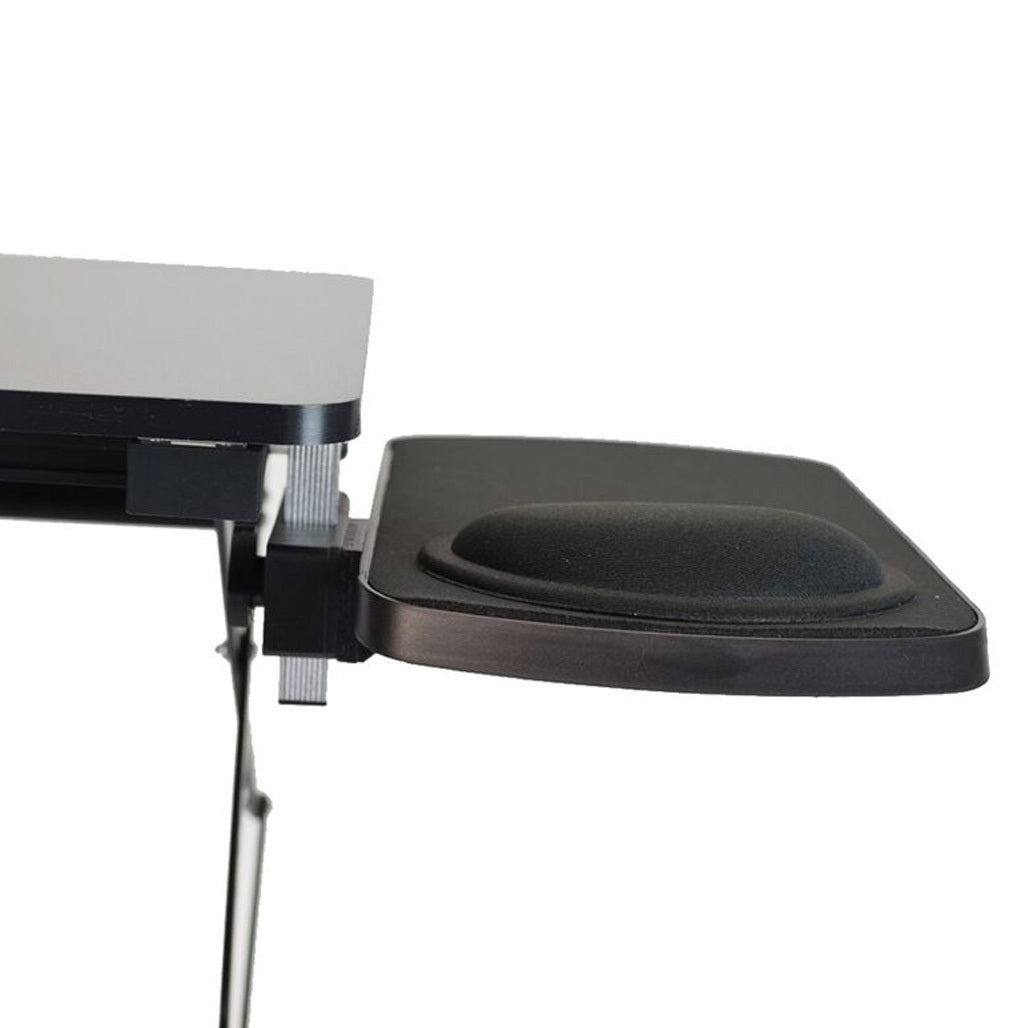
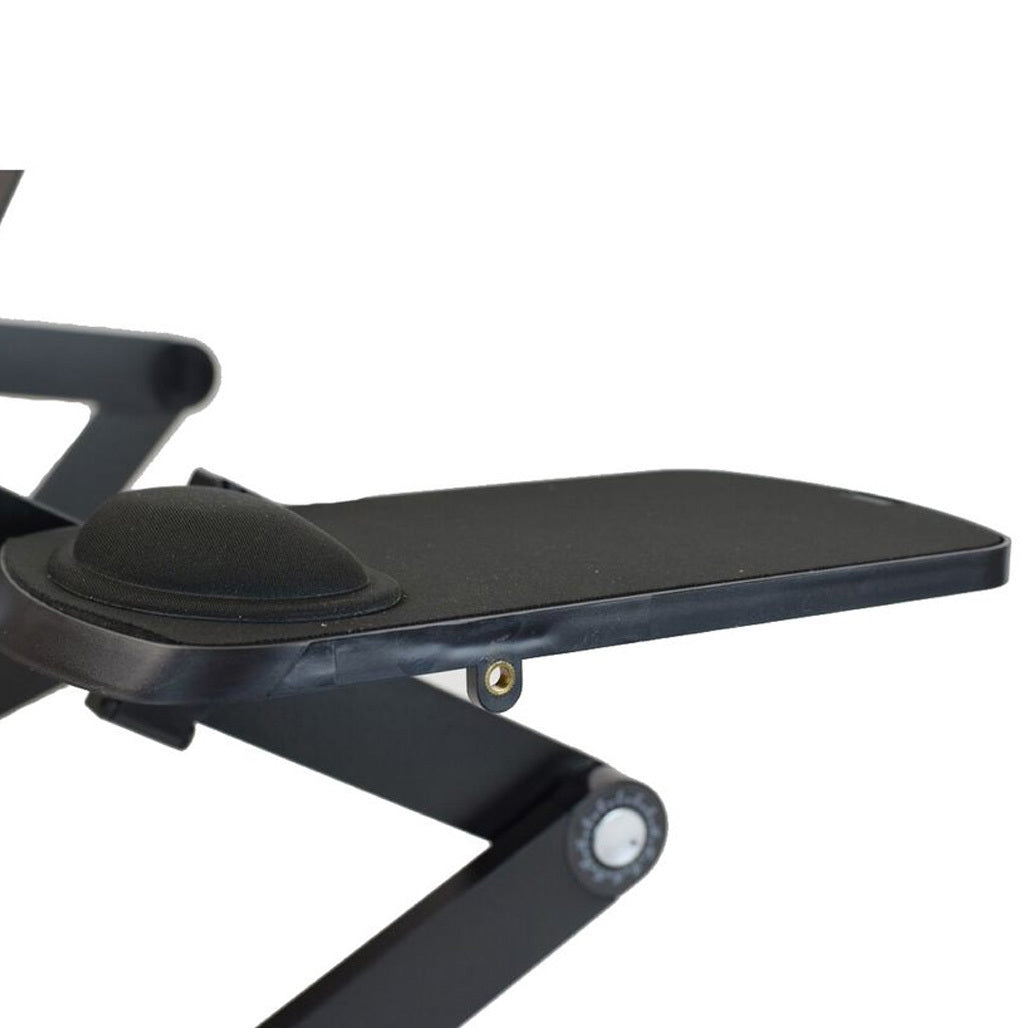
Universal WorkEZ Mouse Pad
Clamps to the leg of a WorkEZ stand
Choose this version when your WorkEZ setup needs a mouse surface that attaches to the stand leg rather than directly to a keyboard panel.
Screw-clamp attachment.
Installs on the right or left.
Adjustable and easily removable.
Foam wrist rest included.
Can also hold compatible small accessories or drives.
Approx. 6.2 × 10.0 in.
ABS + foam construction.
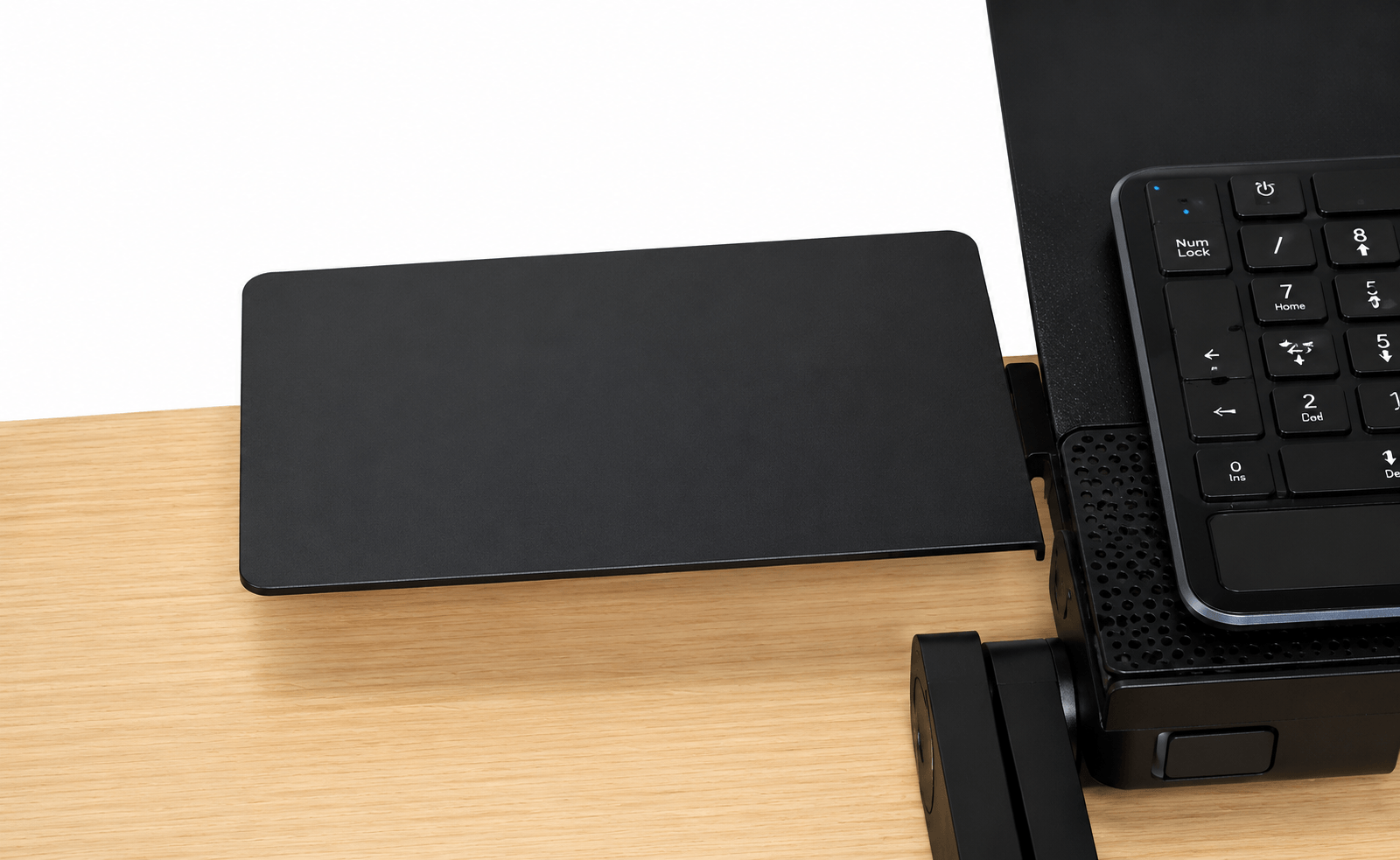
WorkEZ Keyboard Tray Mouse Pad
Connects directly to the WorkEZ Keyboard Tray panel
Choose this version only for the WorkEZ Keyboard Tray. It attaches to the tray panel rather than clamping to a WorkEZ stand leg.
Designed specifically for WorkEZ Keyboard Tray.
Installs on the right or left.
Adjustable and removable.
Can also serve as a small accessory shelf.
Approx. 7 × 7 in.
Aluminum construction.
Before ordering:
identify which WorkEZ product you own and choose the matching mouse-pad attachment. The Universal version clamps to a stand leg. The Keyboard Tray version connects to the WorkEZ Keyboard Tray panel.
Quick comparison
Pick the version by attachment point - not just by size
Feature
Universal WorkEZ Mouse Pad
WorkEZ Keyboard Tray Mouse Pad
Attachment
Clamps to a WorkEZ stand leg
Connects to WorkEZ Keyboard Tray panel
Primary compatibility
WorkEZ stands using the leg-clamp attachment
WorkEZ Keyboard Tray only
Side
Right or left
Right or left
Removable
Yes
Yes
Approx. size
6.2 × 10.0 in
7 × 7 in
Material
ABS + foam
Aluminum
Wrist rest
Foam wrist rest included
Not listed
Secondary use
Small accessory or drive shelf
Small accessory shelf
A mouse pad should solve a problem, not create another one
Keep the mouse beside the keyboard instead of reaching for furniture around you
Dedicated mouse space makes mobile and compact setups easier to live with
WorkEZ products are often used in places where traditional desk space is limited. A dedicated mouse platform keeps the pointing device beside the main work surface instead of forcing you to use the couch, bed, counter edge, or another improvised surface.
Because both versions are removable and can be placed on either side, the accessory can adapt when the user, room, or workstation changes.
Frequently asked questions
WorkEZ Mouse Pad questions
Are there two different WorkEZ Mouse Pads?
Yes. The Universal WorkEZ Mouse Pad clamps to a WorkEZ stand leg. The WorkEZ Keyboard Tray Mouse Pad connects directly to the WorkEZ Keyboard Tray panel.
Which version should I order?
Choose based on the WorkEZ product and attachment point you own. If your mouse pad needs to clamp to a stand leg, choose the Universal version. If you own the WorkEZ Keyboard Tray and need the panel-mounted mouse pad, choose the Keyboard Tray version.
Can either version be installed on the left or right?
Yes. Both versions support right- or left-side placement.
Can I remove the mouse pad when I do not need it?
Yes. Both versions are designed to be removable.
How large is the Universal WorkEZ Mouse Pad?
The Universal version measures approximately 6.2 × 10.0 in and is made from ABS + foam.
How large is the WorkEZ Keyboard Tray Mouse Pad?
The Keyboard Tray version measures approximately 7 × 7 in and uses aluminum construction.
Can the platform hold anything besides a mouse?
Yes. The current product information also describes the platforms as useful for compatible small accessories or drives when the surface is not needed for a mouse.
Product specifications
| Brand | Uncaged Ergonomics |
|---|---|
| Colors | BLACK - for all WorkEZ Products, BLACK - for WorkEZ Keyboard Tray Only, SILVER - for WorkEZ Keyboard Tray Only, BLACK - for WorkEZ Best only |
| Color | BLACK - for all WorkEZ Products | BLACK - for WorkEZ Keyboard Tray Only | SILVER - for WorkEZ Keyboard Tray Only | BLACK - for WorkEZ Best only |
| Weight | 0.318 lbs |
Choosing, using and caring for your product
Measure your desk and check device size, mounting pattern and listed weight limits. Compare adjustments and installation methods rather than assuming universal compatibility.
Read the instructions supplied with your item before first use. Check the components and fitting requirements, and follow the care guidance for the listed materials. Keep the product instructions for future reference.
If a specification is not listed or you need help with a particular application, contact our team before ordering.
Ask us a question ↗Delivery & FAQs
Where do you deliver?
We deliver within the United States. Standard U.S. shipping is free, with no minimum order amount.
When should I expect my order?
Order processing takes 1–3 business days. Estimated total delivery is 5–8 business days from order placement, including processing and carrier transit. See our Shipping Policy for delivery details and how to contact us about an order.
Can I return an item?
You can request a return within 30 days after delivery. Contact us before returning an item so we can provide the correct instructions. Approved refunds are expected to reach the original payment account within 2–4 business days after approval and issuance. See the Return & Refund Policy for the full conditions.
How do I choose the right option?
Check the product photographs, dimensions, materials and available options. Choose your color, size or specification before adding the item to your cart. If you are unsure, ask our team before ordering.
How can I contact you?
Use the email address or telephone listed in our footer and on the Contact Us page. Include the product name or order number when you need help.
Related products
-
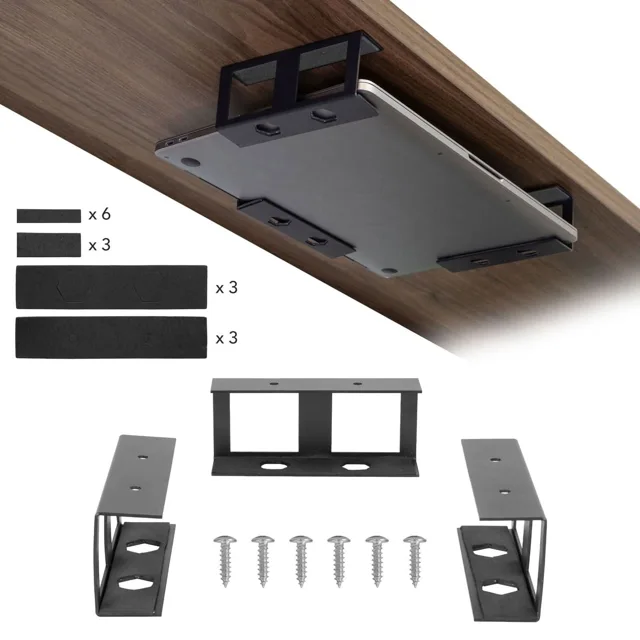
Under Desk Laptop Holder
$30.00 Add to cart -
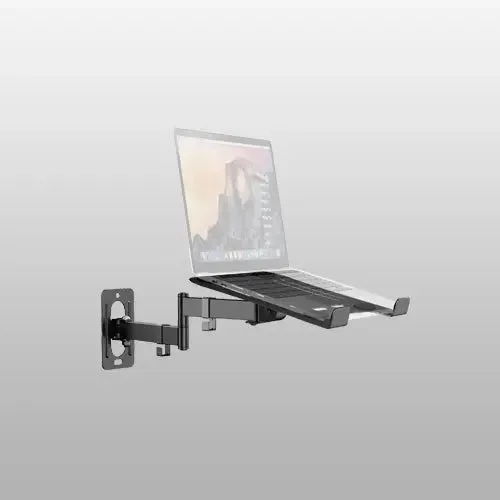
PUTORSEN 2-in-1 Laptop Wall Mount, Adjustable Arm for 10-17 Inch Notebook & Screens Under 32″, Holds 4.4-19.8 lbs (Black)
$46.99 Select options This product has multiple variants. The options may be chosen on the product page -
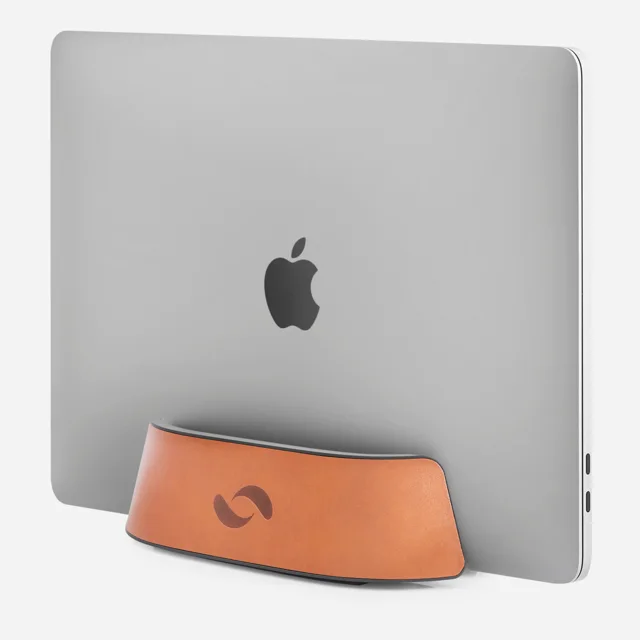
Cognac Leather Vertical Laptop Stand
$30.00 Add to cart -
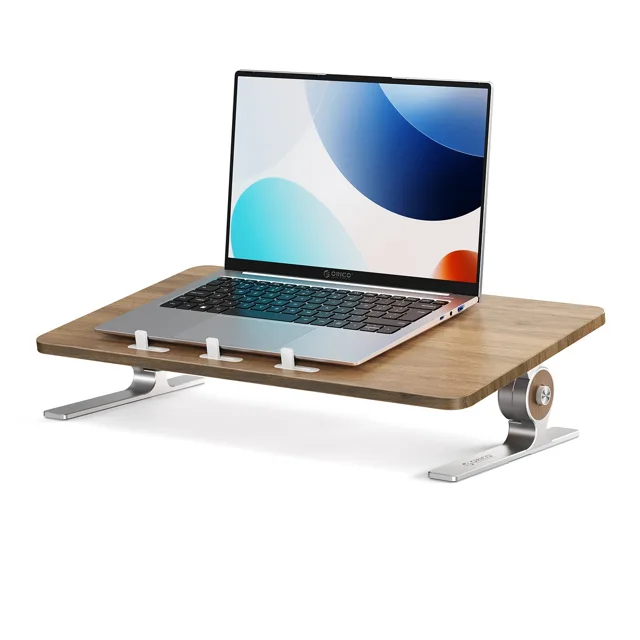
ORICO 3-Level Adjustable Laptop Riser Stand
$59.99 Add to cart